
 Image 1 of 5
 Image 2 of 5
 Image 3 of 5
 Image 4 of 5
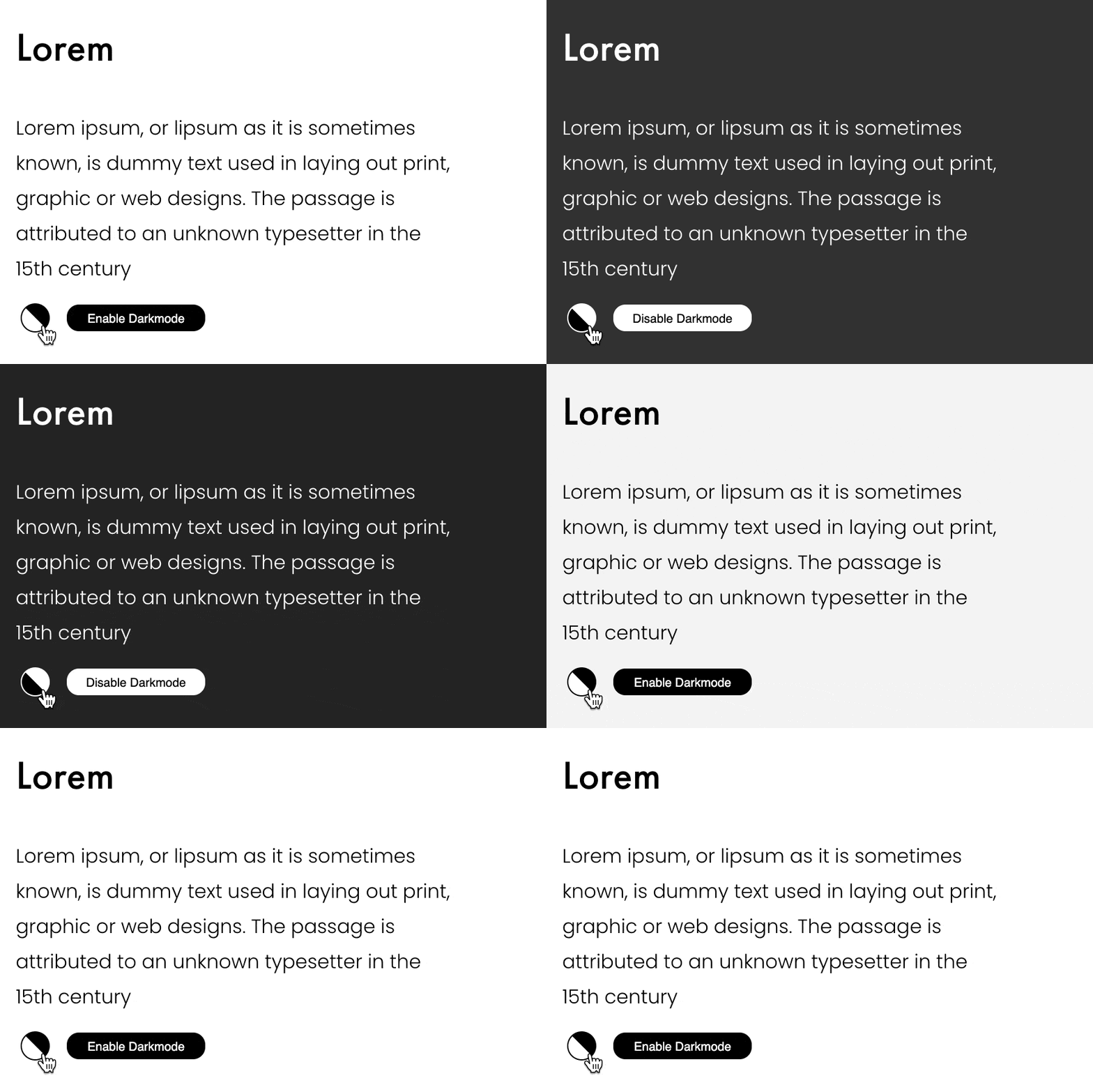 Image 5 of 5
Customers say
Exactly the plug-in that I was looking for!! Made it easy to add a dark mode toggle to my site. Support was quick to answer any questions. Highly recommended. :)
- Liam McCullough / Designer @ Microsoft
🌗 Automatic Dark Mode for Squarespace
Create a wow effect. Stand out. Your visitors won’t want to leave your site!
Twitter has it.
Youtube has it.
And finally Squarespace has it.
30 second ad
Features and installation
Features
👉 Automatic detection
👉 Manual button
👉 Animated transition
👉 Easy to install in 1 minute
👉 No coding required
👉 No “flash of white”
👉 Logo invert
👉 Or upload dark logo
👉 4 different button placements & 2 button styles
👉 Button hover effects & animations
👉 Customise colors of every element
👉 Invert icons and images easily
👉 New feature 2023: image swap! See a demo
👉 + a lot more!
Requirements
❗ Squarespace Business, Commerce or Commerce advanced plan. Plugin requires Complete customization with CSS and Javascript features.
❗ The default version of your website should be designed as the normal or “light version”. If your website is already dark or black, you can’t add a “light” dark mode.
❗ If your header uses a logo image instead of text, you must use the same logo file for desktop and mobile headers if you want to switch between dark and light logo versions.
Dark Mode Plugin updates and bug fixes
-
Updated a breaking bug by Squarespace’s new HTML. data-section-themes instead of CSS classes.
-
Image swap added. You can show and hide any image, block, or even an entire section, when dark mode is on or off. It’s also smart, showing it faded when editing so you can still edit freely.
-
Improvements to the search page on dark mode, including a dark version for the magnifying glass icon, search results and search input placeholder text.
-
Fixed a bug where portfolio pagination links didn’t turn dark in some cases.
-
Fixed gallery section lightbox backgrounds
Added option to easily invert icons etc
-
Added option to manually invert any image or element. Perfect for icons.
-
Fixed a bug where logo invert did not work on mobile for some header designs
Added a snippet to hide the fixed floating button on mobile screens (useful if you already have another button or mobile so there isn’t 2 buttons)
-
Fixed a bug where buttons had a wrong mouse cursor on OS X & Safari
-
A huge update. 🔥You can now use ANY color themes as the dark mode AND in your normal bright version! No coding! 100% automatic.
-
Added an option for inverting a logo image. Works for most logos so no need to create or upload a second image file 🥳
-
Fixed a bug where section with a background image and overlay had a slightly faster animation than other sections
-
Toggle button label that says “turn dark mode on” or “off” - now shown only on desktop. This hover effect sucked on touch screens, so I removed it completely.
-
Added a notification for sections that have a section width: inset. Those will not work but it’s super easy to fix. Plugin will tell you to do it to avoid any undetected issues :)
Improved the footer dark section for easier editing and seeing the actual end result when logged in
Made dark mode logo to be fade-in more smoothly
-
removed the white flash when changing pages
Added support for Cart page and mobile navigation
Fixed a bug where light color was visible on pages with only 1 section that was not as high as the browser
Fixed a bug where the logo switching had a small delay. Now it’s instant.
other smaller bug fixes
-
Automatic detection of dark mode if user has it enabled with real-time changes
Now also for 7.0!
Hover shows “enable/disable darkmode” -tag
Button fixed to bottom right to make it easily available on mobile, easily recognized and not get lost in menu
Added a reset button for admins to to make site design easier
Updated instructions and new code
Updating the videos & more asap.